
Resize photos without the squish.
Squishless trims the boring bits, like empty sky, grass and water, so a photo fits the shape you need and the people in it keep theirs.
Free, no sign-up. Your photos never leave your device.

The field got shorter. She didn’t.
Watch it think
No AI guesswork. Just a neat trick from 2007 called seam carving, done a few hundred times a second.
-
Score every pixel
Busy, detailed spots score high. Flat sky and calm water score low.
-
Find the most boring path
Trace a wiggly line from top to bottom through the lowest scores, one pixel per row.
-
Remove it, and repeat
Out goes the path, the photo closes the gap, and the hunt starts again until it fits.
Try it with your photo
Drop a photo anywhere on this page, paste one, or pick one from your device. It opens in the app and stays on your device.
Pick a photo from your phone. It opens in the app and stays on your device.
Or press Ctrl + V (⌘ + V on a Mac) to paste.
What’s in the box
-
Your photos stay put
Everything happens in your browser. Nothing is uploaded, and there are no accounts, cookies or trackers. Once it has loaded, it even works offline.
-
Live while you drag
Pull an edge and the preview follows your finger. The full-quality result lands a second or two after you let go.
-
A whole stack at once
Load a pile of photos, resize them all, and download one ZIP.
-
Keep this, lose that
Paint over what must stay, or over what should go first, like a stray lamp post or a photobomber.
-
Faces are off-limits
Face detection protects people automatically, so nobody ends up with a skinny nose.
-
Any shape you need
Square, portrait, story, widescreen, banner, or exact pixels. Pick a purpose and it does the maths.
-
Free and open source
No watermark, no limits, no catch. Read the code on GitHub.
Same size, two ways
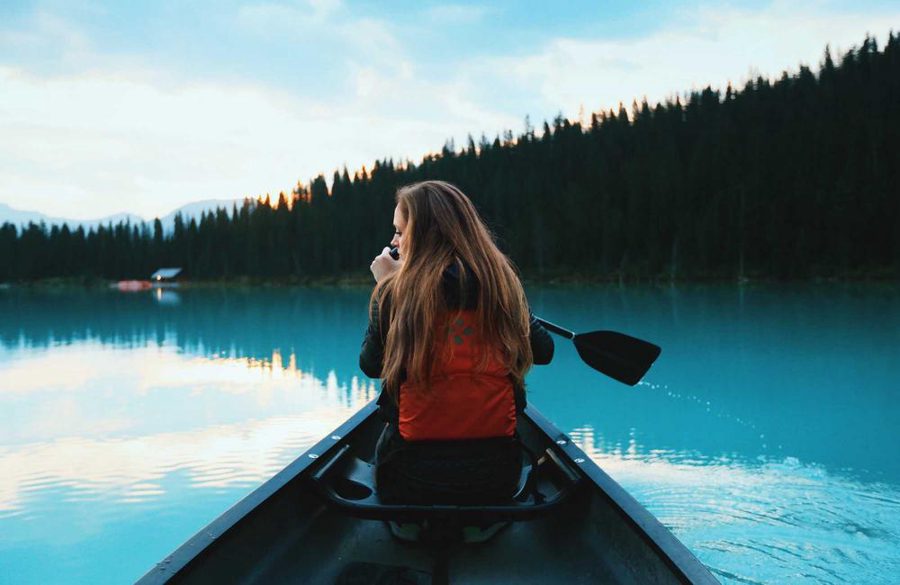
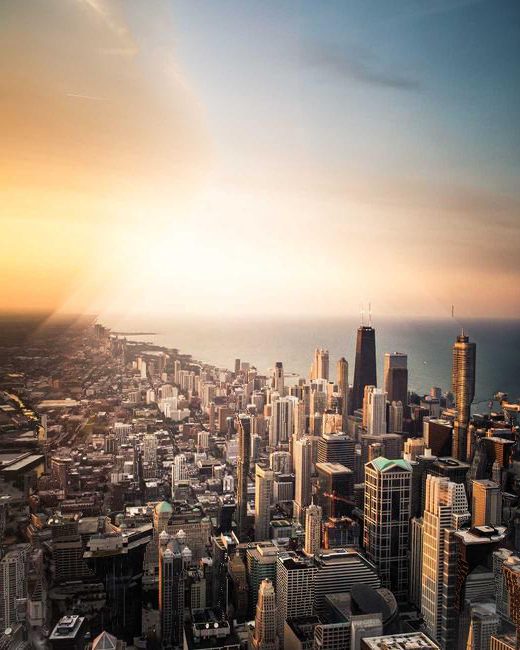
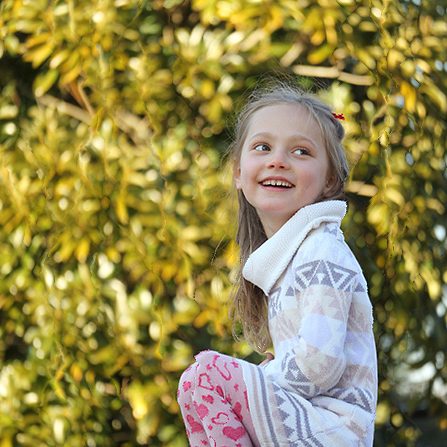
Each pair is the same photo resized to the same size. Drag the slider: a normal resize on the left, Squishless on the right.

Questions
Something else? Ask on GitHub.
Is it really free?
Yes. No account, no watermark, no trial. Squishless runs on your own device, so it costs nothing to keep running, and the code is open source.
Are my photos uploaded anywhere?
No. The resizing engine runs inside this page, in your browser. Your photos are never sent to a server; there isn’t one to send them to. You can load the app, switch off your Wi-Fi and keep going.
Which formats work?
Anything your browser can open: JPEG, PNG, WebP, GIF, BMP and AVIF, plus HEIC on Safari. You can save as JPG, PNG or WebP. Photo rotation from your camera is respected, and location data is not copied into the result.
Why is a huge photo slow?
For every path it removes, Squishless looks at every pixel again. A phone camera photo of 12 megapixels can take 20 to 40 seconds in a browser. If a photo is too big for your device, the app offers to shrink it a little first.
Can it make photos wider, too?
Yes. It finds the same boring paths and doubles them up instead of removing them. That works best for small amounts; for big changes it scales up first and then trims.
What is seam carving?
A technique from a 2007 paper by Shai Avidan and Ariel Shamir. A “seam” is a connected line of pixels from one edge of the photo to the other; removing the least noticeable seams again and again changes the size while keeping what matters.